Eino Dev Plugin Installation Guide
Background & Overview
See Eino: Overview
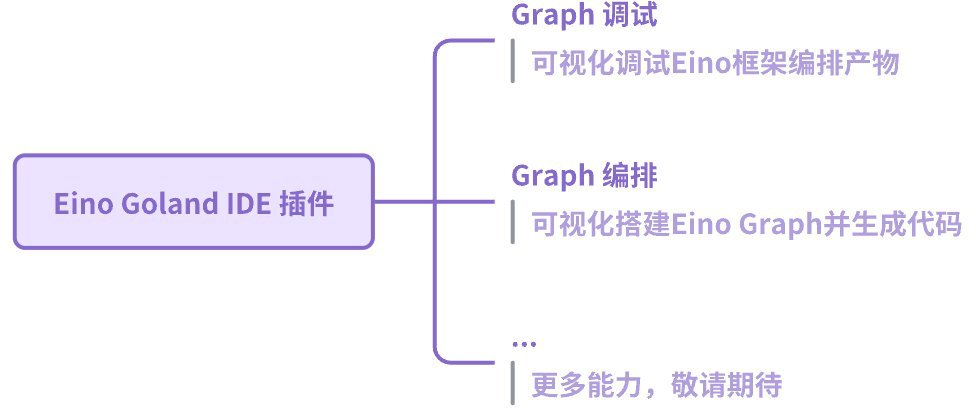
Eino is a Go framework for AI component integration and orchestration. The “Eino Dev” plugin helps you build AI applications more efficiently. 🚀
Installation
Version Compatibility
| Plugin Version | GoLand IDE Version | VS Code Version | eino-ext/devops Version |
| 1.1.0 | 2023.2+ | 1.97.x | 0.1.0 |
| 1.0.7 | 2023.2+ | - | 0.1.0 |
| 1.0.6 | 2023.2+ | - | 0.1.0 |
| 1.0.5 | 2023.2+ | - | 0.1.0 |
| 1.0.4 | 2023.2+ | - | 0.1.0 |
- Plugin Version: plugin release
- GoLand IDE Version: minimum compatible version
- VS Code Version: minimum compatible version
- eino-ext/devops Version: matching version of eino-ext/devops
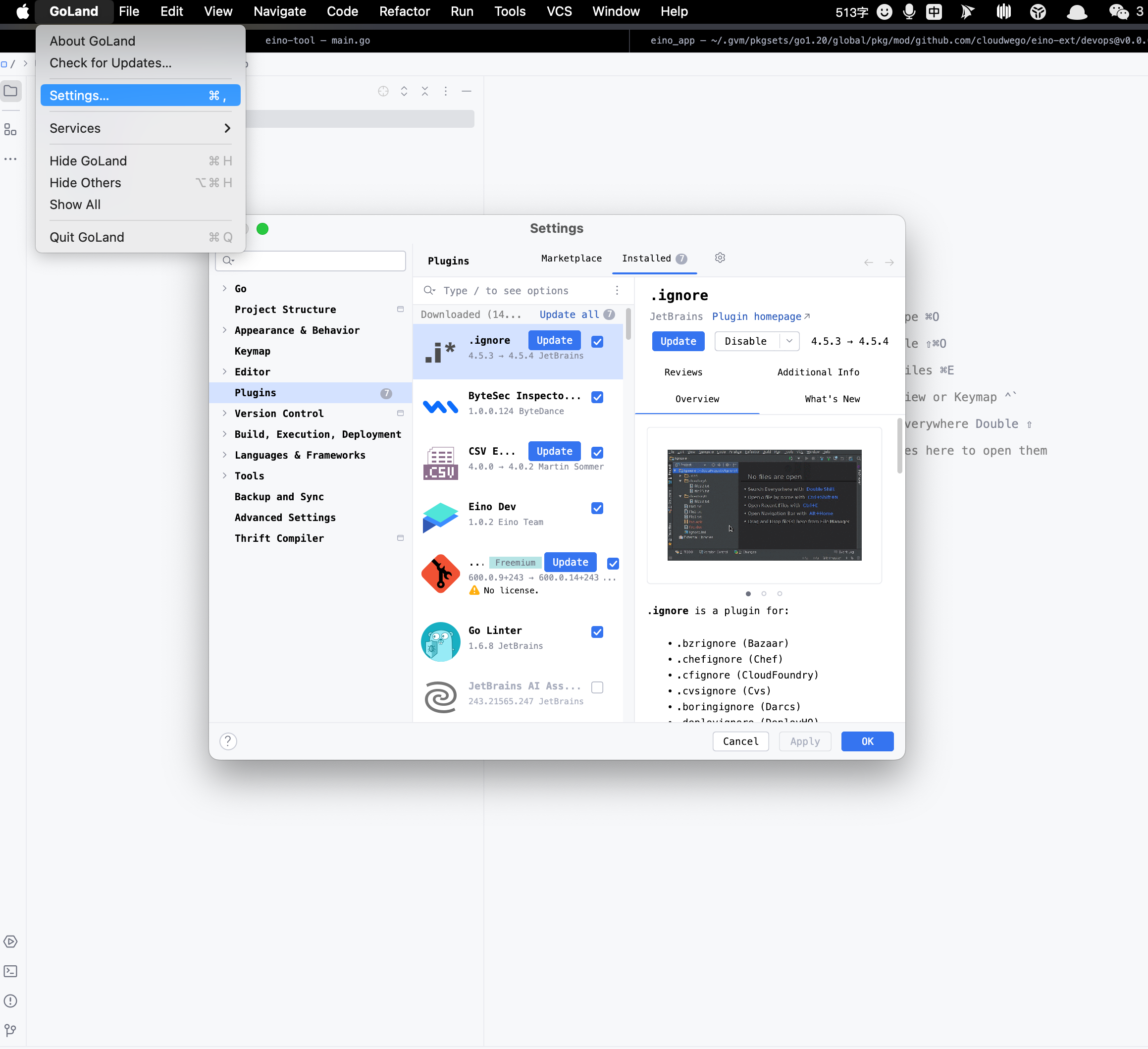
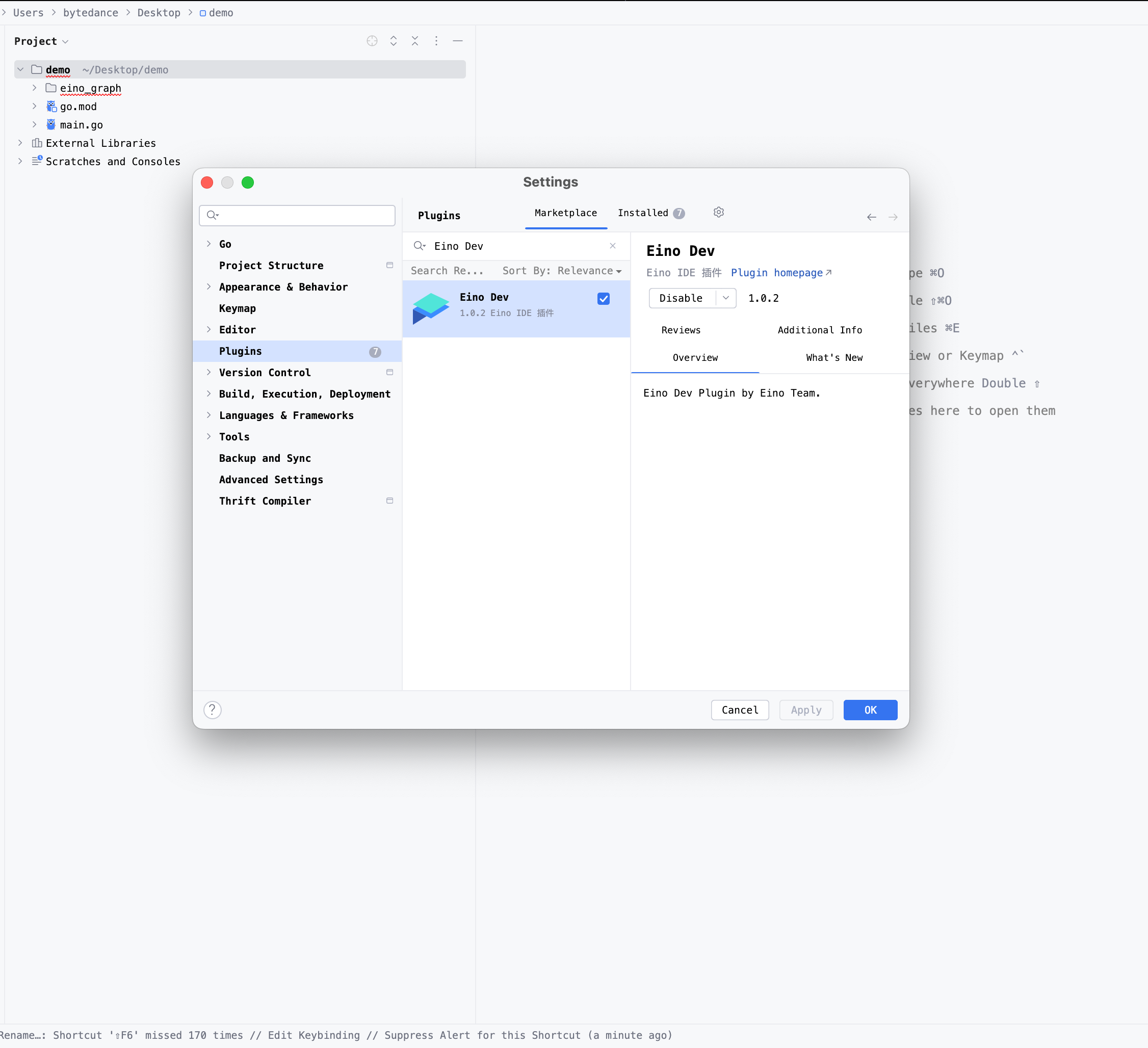
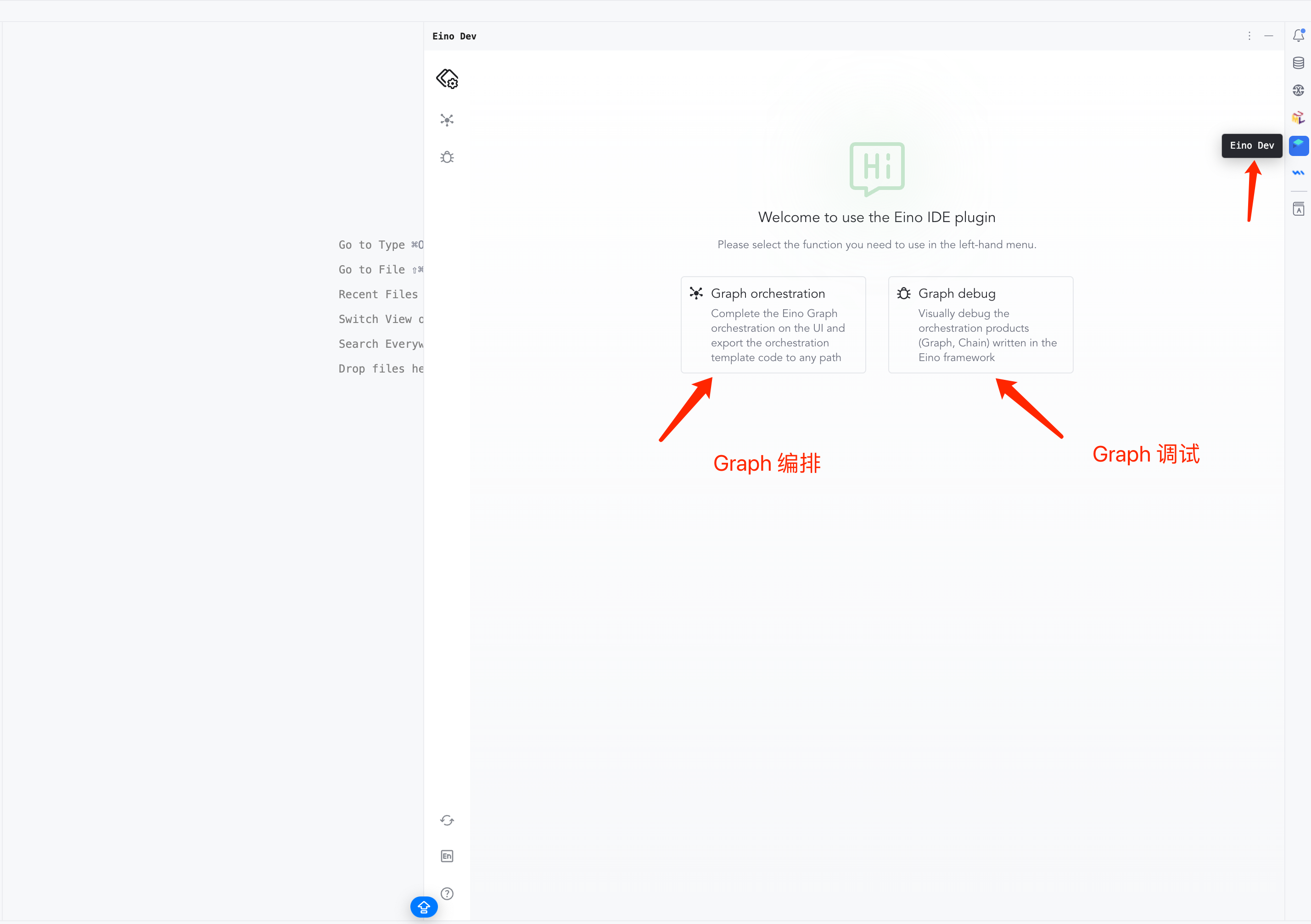
GoLand
 |  |
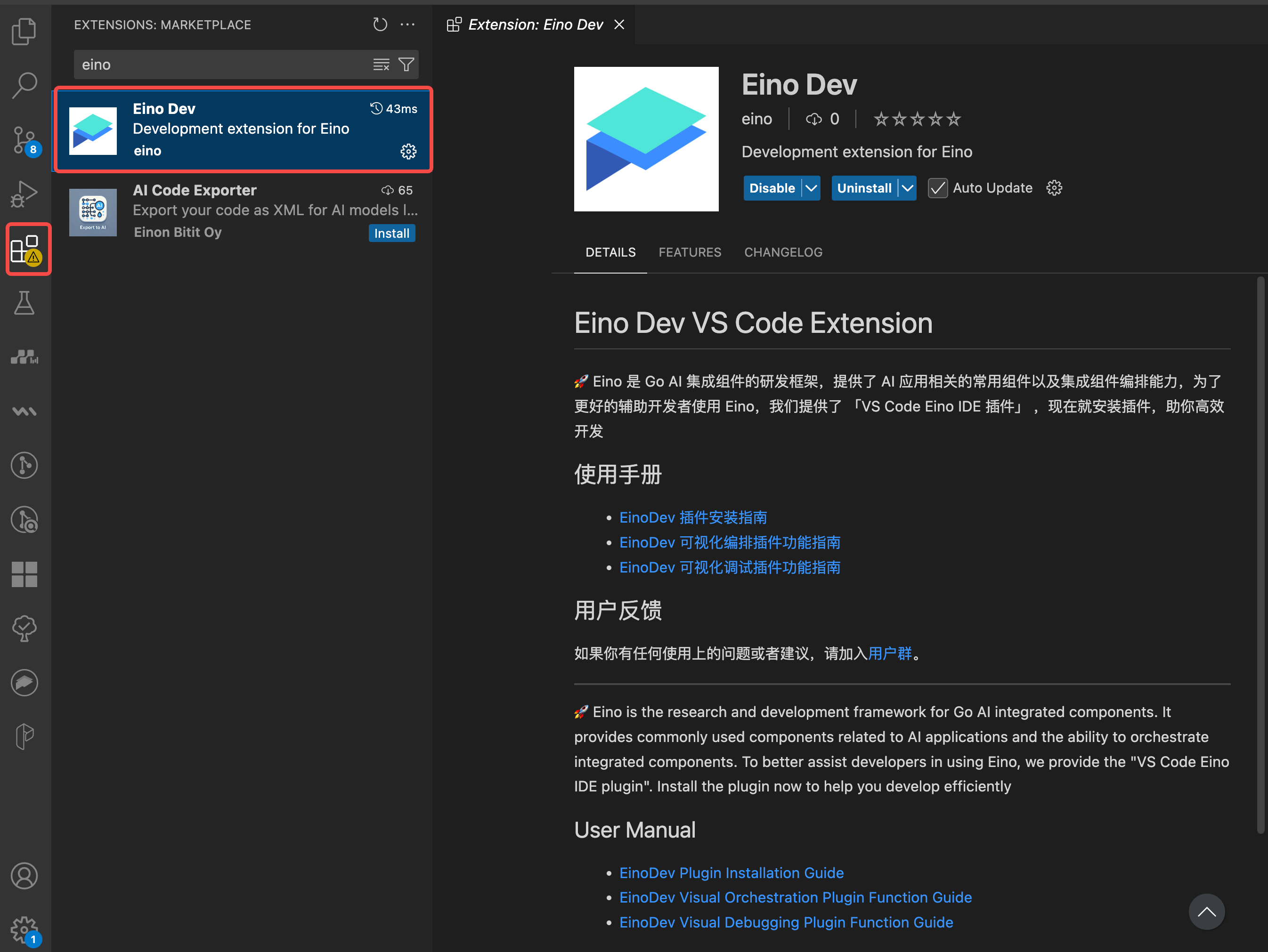
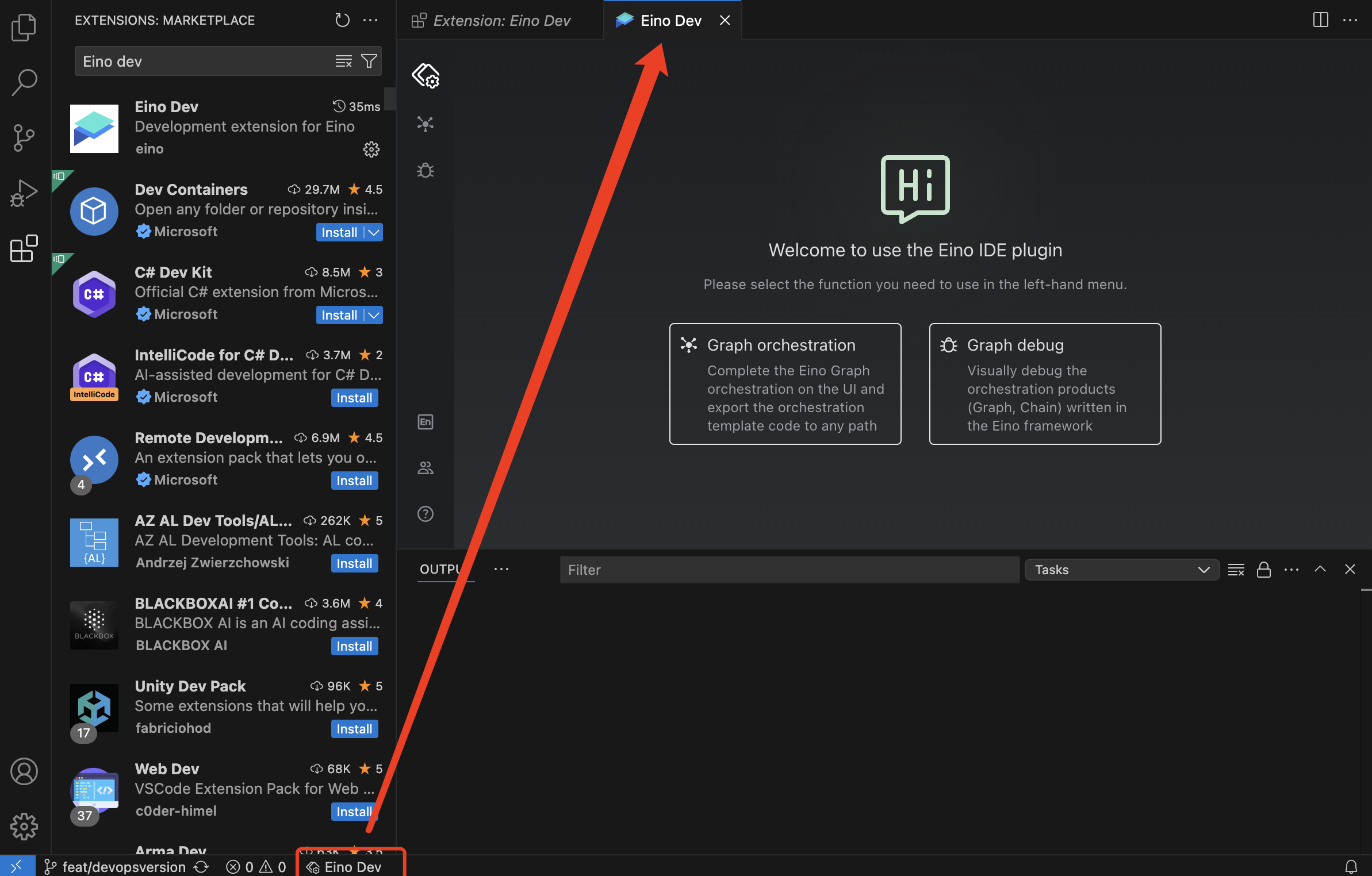
VS Code
- Open Extensions, search for “Eino Dev”, and install.
Features
💡 After installation, you can use the debugging and orchestration features immediately.
 |  |
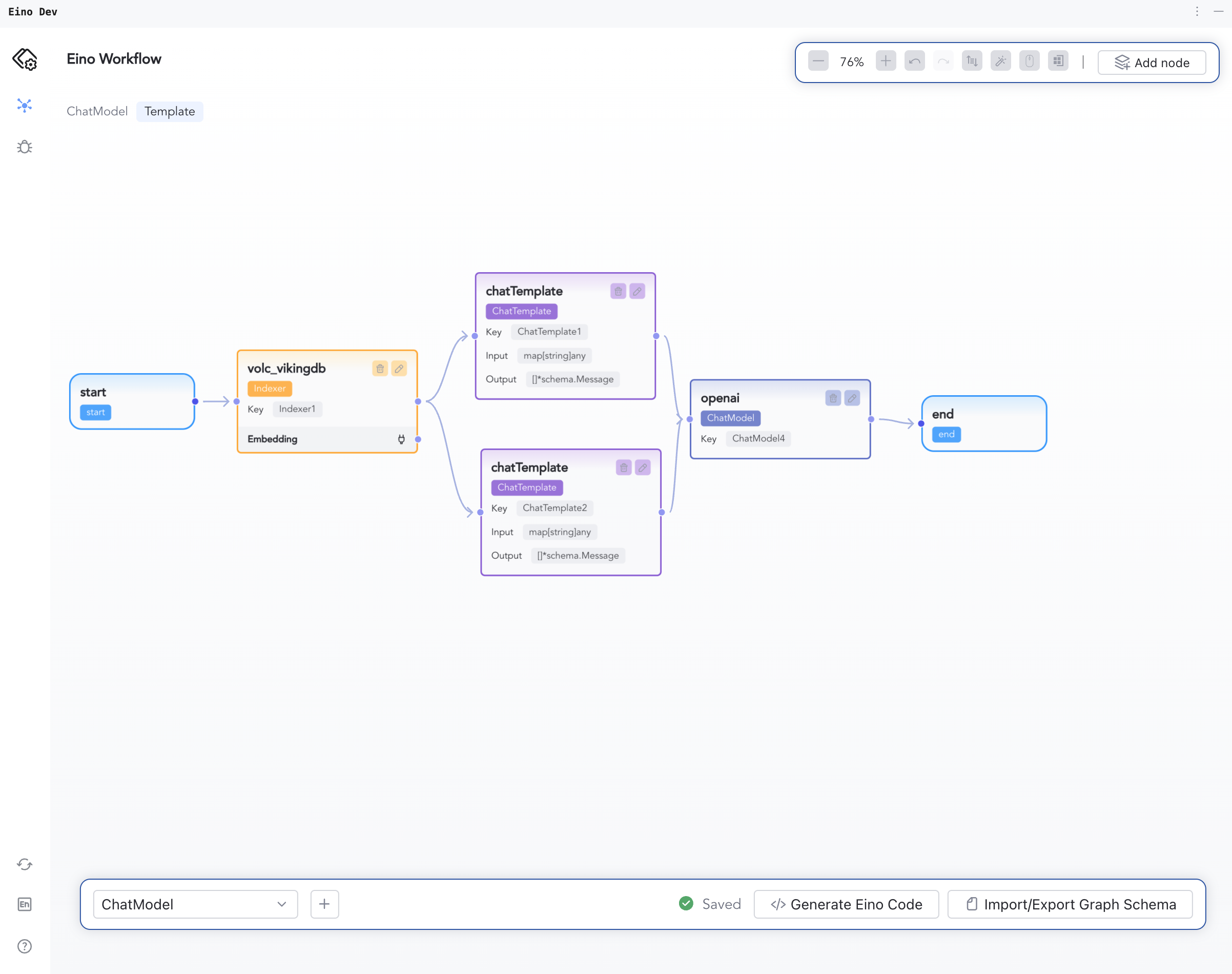
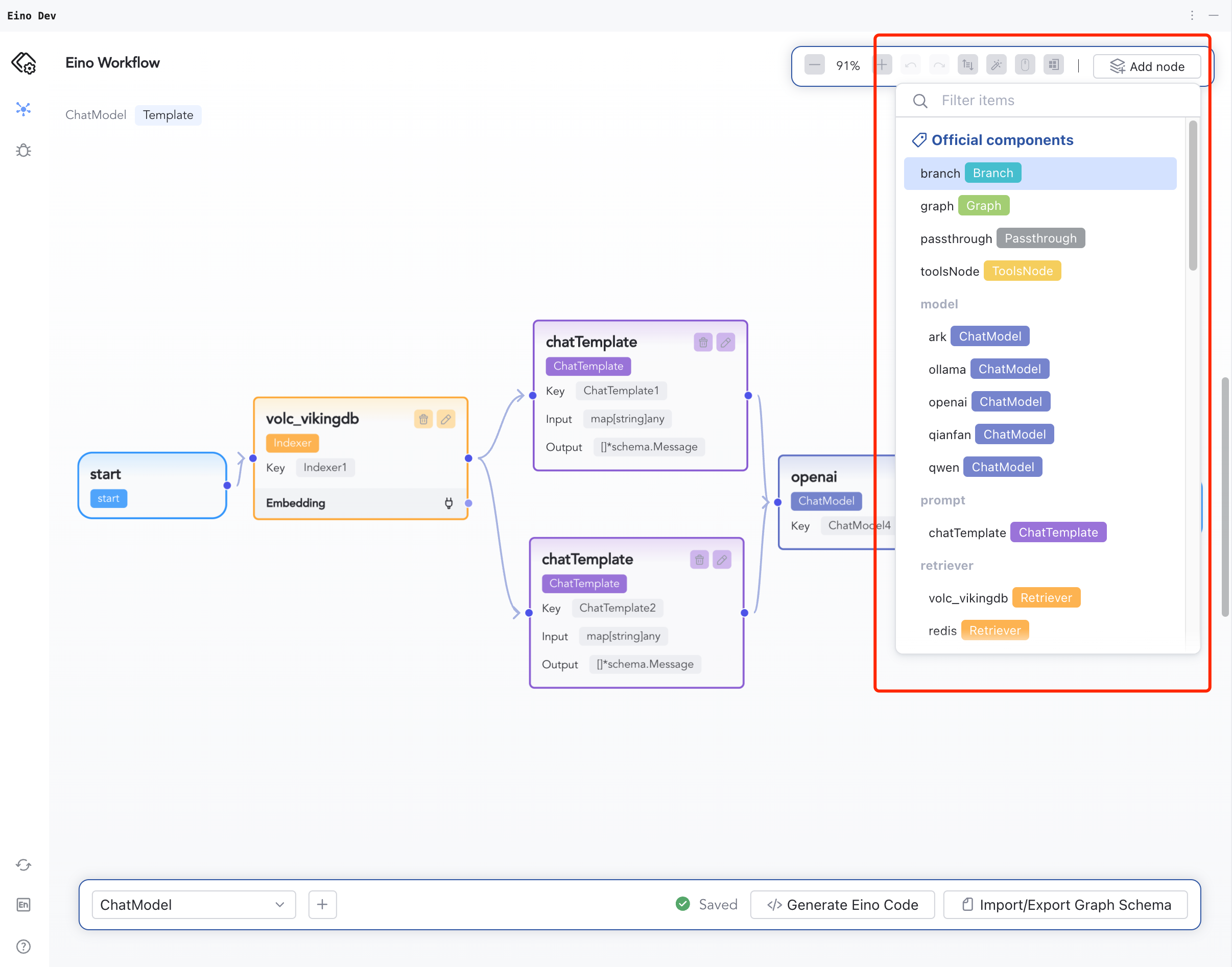
Graph Orchestration
Details: Eino Dev Visual Orchestration Guide
 |  |
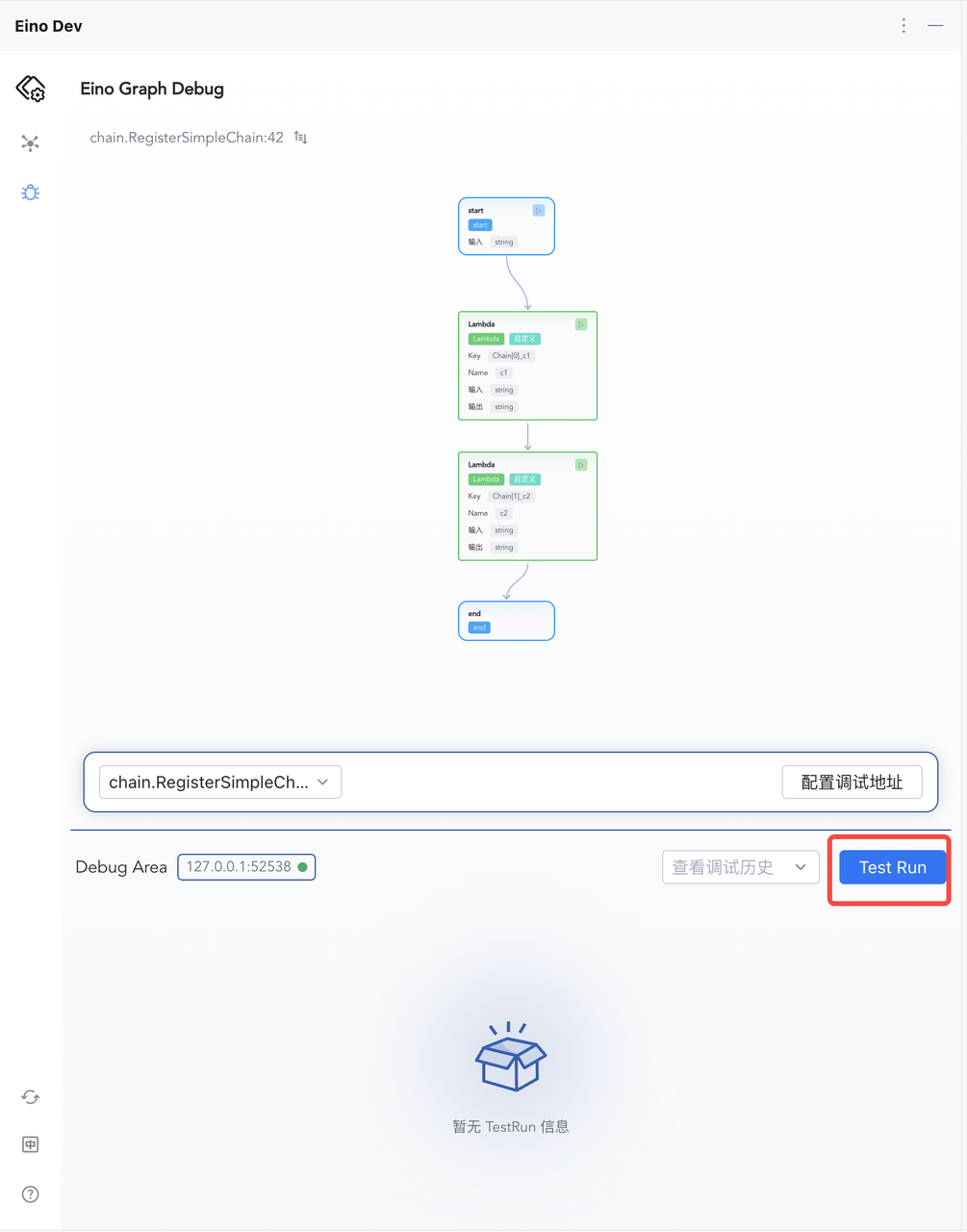
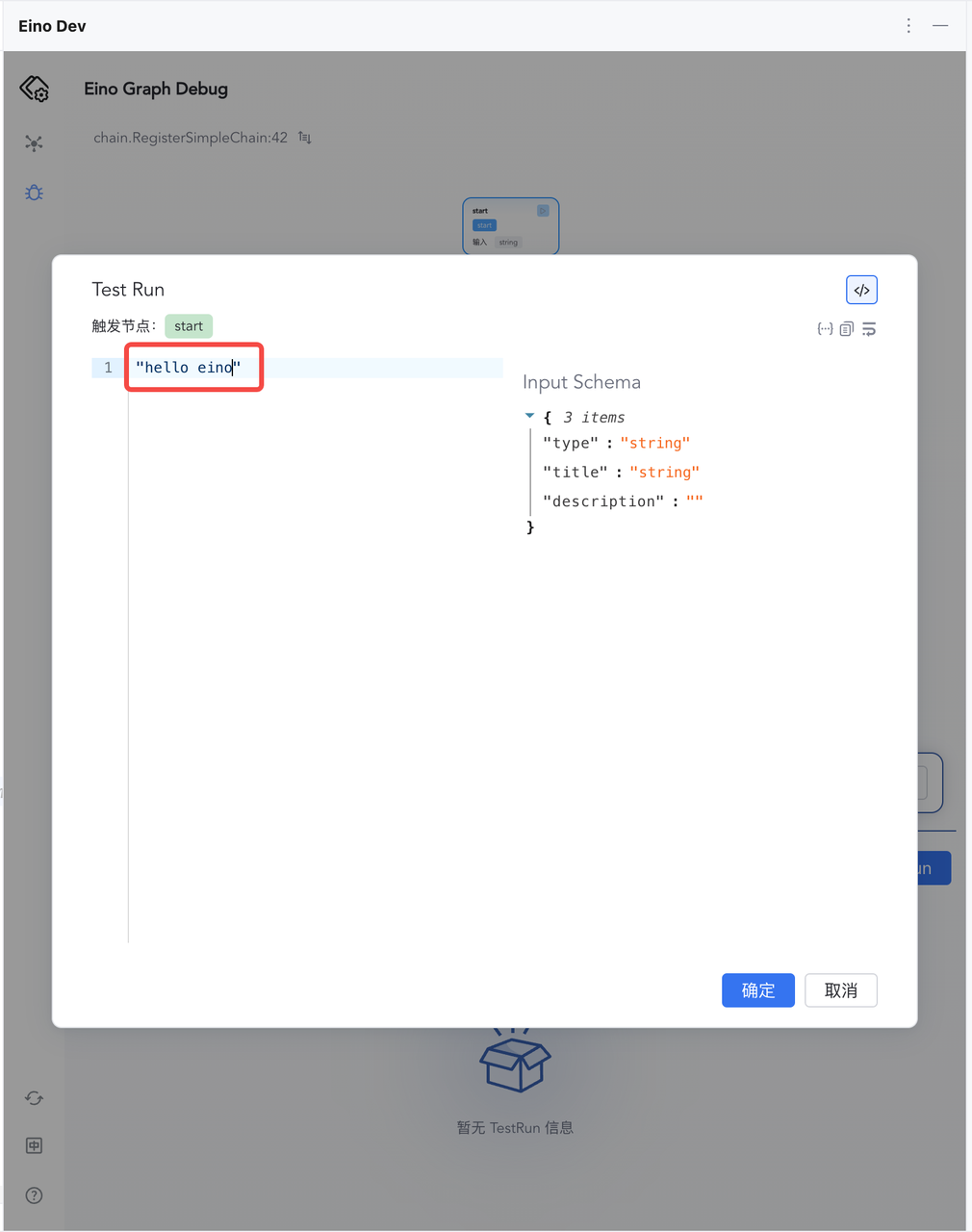
Graph Debugging
Details: Eino Dev Visual Debugging Guide
 |  |